
Turnover cleaning is the one part of hosting where a small slip has an immediate, public cost: a guest walks into a room that wasn't cleaned, and it lands in a review. The usual fix, a running text thread with your cleaner, works right up until the day a booking moves, a message gets missed, or you're managing more than one place at once.
Automating the schedule removes the human relay. Instead of you being the link between a new booking and your cleaner, the calendar is. This guide walks through exactly how to set that up, what "automated" should actually mean, and the edge cases that separate a real system from a fragile one.
The short version
- Connect each property's booking calendars once (Airbnb, Vrbo, any iCal).
- Every checkout becomes a cleaning job automatically, collapsed to a single job per property per day.
- Assign a primary cleaner and an optional backup; the job routes itself.
- Reminders fire on assignment, 24 hours before, and 2 hours before, in local time.
- Move or cancel a booking and the schedule updates itself, cancelling stale reminders.
Why manual coordination breaks
A text-based workflow has three failure points, and every busy host hits all of them eventually:
- The missed message. You see a booking, mean to forward it, and get pulled away. The cleaner never hears about the checkout.
- The moved booking. A guest shifts their dates. Now the cleaning you scheduled is on the wrong day, and the old plan is quietly wrong.
- The same stay on two calendars. A cross-posted booking shows on Airbnb and your direct calendar, so you ping the cleaner twice, or worse, two cleaners show up.
Automation fixes these by making the booking calendar the single source of truth, and by treating "one checkout" as one job no matter how many feeds it appears on.
Step by step: set up an automated cleaning schedule
-
Gather your iCal links
Every major channel exposes a calendar export. In Airbnb it's under a listing's availability settings ("Export calendar"); Vrbo and most direct-booking tools have the same. Copy the .ics link for each property. You'll paste it in once.
-
Add each property and paste its calendars
Create the property, set its time zone, and add one or more calendar feeds. If a place is listed on three channels, add all three. They'll be reconciled into a single schedule, not three competing ones.
-
Connect your cleaner once
Share your invite link, or your BowReady ID; your cleaner taps Accept. You bring the cleaner you already trust, and if you do not have one yet, BowReady can show you Cleaning Pros who cover your property. Then set them as the primary for each property, and optionally add a backup.
-
Let checkouts become jobs
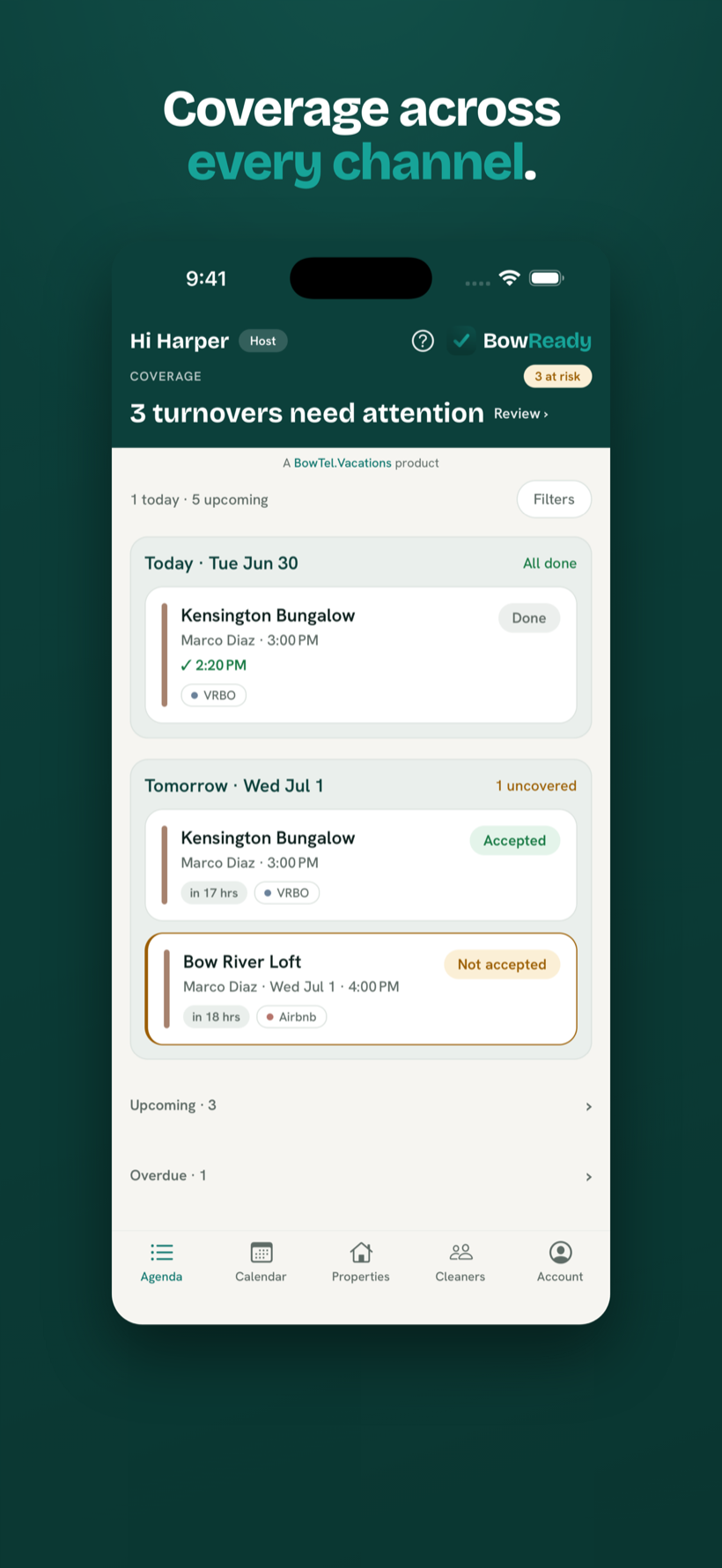
From here it runs itself. Each new checkout becomes a cleaning job assigned to the right person, with the address, deadline, and access notes attached. You don't forward anything.
What "automated" should actually mean
Plenty of tools claim automation but only cover the happy path. A schedule you can trust has to handle the messy middle too. Here's the bar worth holding out for.
One turnover per checkout, even across channels
If a booking appears on multiple synced calendars, it should collapse into a single cleaning job. Your cleaner should be pinged once, never once per feed. This is the difference between a calendar aggregator and a real turnover system.
A primary and a backup, with automatic fallback
People get sick and take other jobs. Assign a main cleaner and an optional backup per property; if the primary declines, the same job hands off to the backup automatically and you're notified. No 9pm scramble to find cover.
Reminders that cancel themselves
Notifications should be server-driven, not scheduled on someone's phone, because plans change. When a guest moves their dates, the cleaning reschedules and the now-wrong reminders cancel themselves. Nudges land on assignment, a day before, and two hours before the deadline, in the property's local time.
The north star: never let a cleaner miss a turnover because the host forgot to tell them. Every part of an automated schedule should serve that one guarantee.
What to keep manual (on purpose)
Automating the schedule doesn't mean handing money or judgment to an app. Two things are better left in your hands:
- Payment. You and your cleaner already have an arrangement. A good tool lets you record the agreed per-turnover amount for reference but never takes a cut or sits between you. Every dollar stays between the two of you.
- Who cleans where. Assignment should be your call, not an algorithm auctioning your turnover to the lowest bidder. Automation handles the timing and routing; you choose the people.
Automation closes four of the seven ways a turnover gets missed. It is worth knowing which three it does not touch: the seven ways a turnover gets missed.
Put your turnovers on autopilot
Connect your calendars, assign your cleaner, and let BowReady handle every checkout. Free for your first two properties.
Frequently asked questions
Can I automate cleaning across Airbnb and Vrbo at the same time?
Yes. BowReady reads an iCal link from each channel, so Airbnb, Vrbo, and any other iCal source all feed the same property. When the same checkout appears on more than one calendar, it collapses into a single turnover so your cleaner is only pinged once.
How does my cleaner get notified when a guest checks out?
When a checkout appears on a connected calendar, BowReady creates a cleaning job and assigns it to the property's cleaner. The cleaner gets a push notification on assignment, again 24 hours before the deadline, and again 2 hours before, all in the property's local time.
What happens if my cleaner can't take a job?
Set an optional backup cleaner per property. If the primary declines, the same job hands off to the backup automatically and you are told, no scrambling to find cover.
Does automating cleaning cost money or take a cut of the payment?
BowReady is free for up to two properties and always free for cleaners. It never processes payments or takes a per-turnover cut. You pay your cleaner directly, outside the app.